

Artificial intelligence is changing how people create content. Today, AI tools for content creation help writers, marketers, designers, and even small business owners do more in less time. If you want to write blogs, design images, edit videos, or manage social media, AI can make your work easier and faster. But with so many tools available, it’s easy to feel lost. Which tools are best? What can they really do? How do you avoid common mistakes? This guide explains everything you need to know, showing how AI tools can help you create better content, save time, and stay ahead in a competitive world.
What Are Ai Tools For Content Creation?
AI tools for content creation are software programs that use artificial intelligence to help people make digital content. This content can be blog posts, articles, social media updates, images, videos, audio, and much more. These tools use smart technology—like machine learning, natural language processing, and computer vision—to understand data and help you produce high-quality work quickly.
For example, an AI writing tool might turn a simple idea into a full blog post. An AI image generator can create custom graphics from a short description. Video editors powered by AI can cut, trim, and even add captions automatically.
These tools can help both beginners and professionals.
Why Are Ai Tools Important Now?
There are two big reasons. First, digital content is everywhere—websites, social media, emails, and more. Second, people expect fresh, interesting content all the time. Without help, it’s almost impossible to keep up. AI tools give you an edge by speeding up boring tasks and helping you focus on creativity and strategy.
Types Of Ai Tools For Content Creation
Different tools serve different needs. Here are the main categories:
- AI Writing Tools – Help with writing articles, blogs, emails, and product descriptions.
- AI Image Generators – Create graphics, illustrations, and social media visuals.
- AI Video Editors – Edit, trim, and enhance videos automatically.
- AI Audio Tools – Transcribe, generate, or improve audio content.
- AI SEO Tools – Suggest keywords, optimize headlines, and improve search rankings.
- AI Social Media Tools – Plan, write, and schedule posts.
- AI Design Tools – Make presentations, infographics, or web layouts.
Let’s look at each type in detail, with examples and what makes them special.

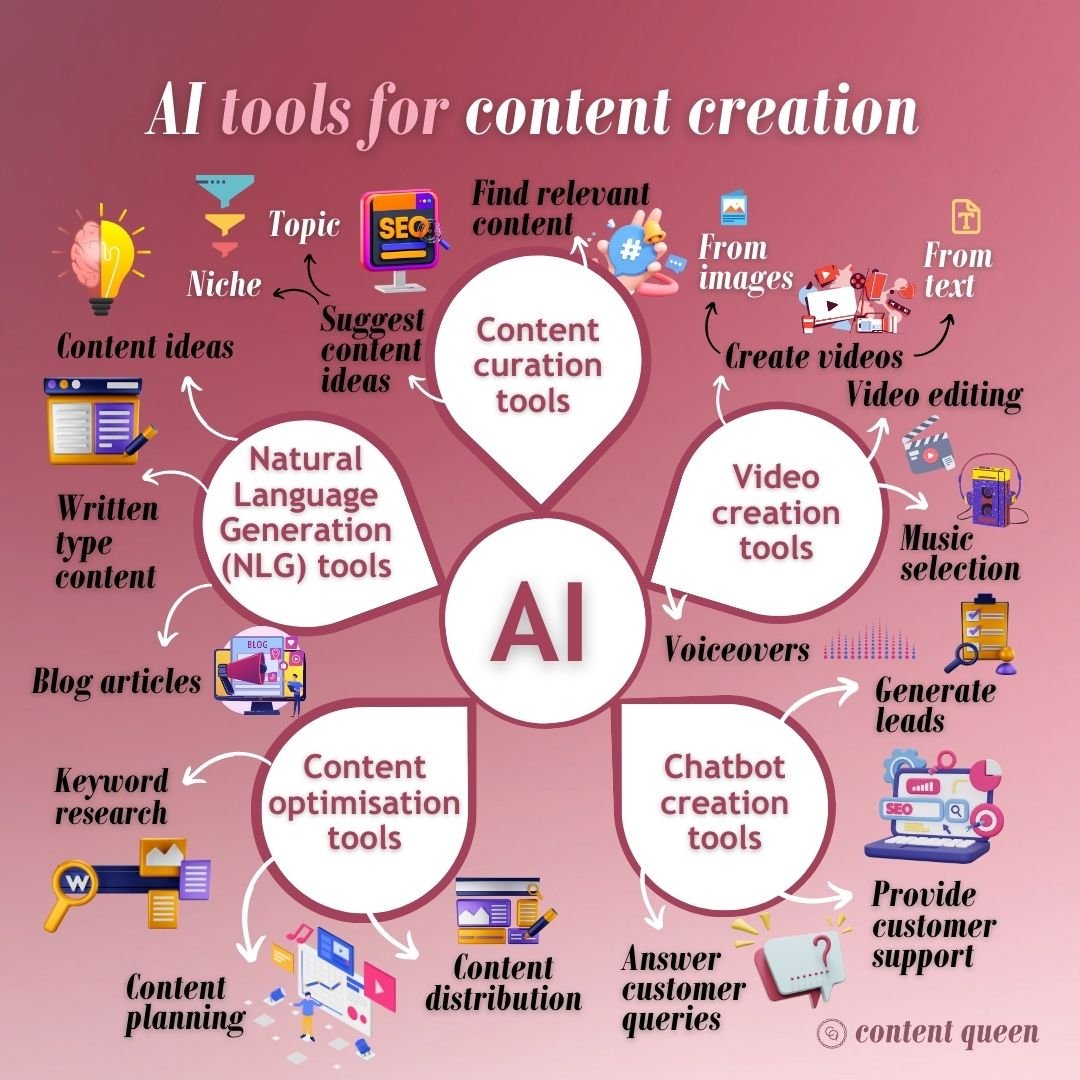
Credit: www.contentqueenmariah.com
Ai Writing Tools
AI writing tools are some of the most popular content creation helpers today. They do much more than just correct grammar or spelling mistakes.
What Can Ai Writing Tools Do?
- Suggest blog topics
- Write full articles or summaries
- Rewrite or improve sentences
- Check for grammar and plagiarism
- Translate content into other languages
Some popular examples are Jasper, Writesonic, Copy.ai, and Grammarly. These tools use large language models trained on millions of texts. You enter a topic or a few keywords, and the tool generates a draft for you.
Benefits
- Save time on research and drafting
- Get ideas when you feel stuck
- Write faster, especially for social media and blogs
- Improve your grammar and style
- Translate your content for a global audience
Limitations
- Sometimes, the writing can sound robotic or generic
- AI may get facts wrong—always check important details
- Creativity can be limited compared to a skilled human writer
Example: Blog Post Generation
You can enter “How to grow tomatoes at home” into Jasper, and in seconds, get a 500-word draft. You can then edit, add your own style, and publish. This process could take an hour or more by hand.
Table: Popular Ai Writing Tools Compared
| Tool | Main Feature | Best For | Free Plan |
|---|---|---|---|
| Jasper | Long-form content | Bloggers, agencies | No |
| Copy.ai | Short copywriting | Marketers, small businesses | Yes |
| Writesonic | SEO-friendly drafts | Startups, content teams | Yes |
| Grammarly | Grammar checking | Everyone | Yes |
Ai Image Generators
AI image generators turn words into pictures. You write a prompt, such as “A cat riding a bicycle in Paris,” and the tool creates a unique image.
Leading Image Generation Tools
- DALL-E (by OpenAI)
- Midjourney
- Stable Diffusion
- Canva’s AI Image Generator
These tools use machine learning models trained on millions of images and captions. They can produce everything from realistic photos to fantasy art.
How Can You Use Them?
- Make social media graphics
- Design ads and posters
- Create illustrations for blog posts
- Generate ideas for branding
Key Advantages
- No need for advanced design skills
- Save on design costs and time
- Create endless variations quickly
Challenges
- Some images may look strange or contain errors
- Copyright rules are still evolving—use with care
- Not all tools allow commercial use
Non-obvious Insight
Many beginners do not realize that the prompt quality matters as much as the tool. A clear, detailed prompt gives much better results than a short, vague one.
Ai Video Creation And Editing Tools
Video content is powerful but time-consuming to make. AI video tools help with editing, scriptwriting, and even animation.
What Do These Tools Offer?
- Auto-cutting and trimming
- Adding subtitles and captions
- Creating short clips from long videos
- Turning blog posts into videos
- Suggesting edits based on engagement data
Popular tools include Descript, Synthesia, Lumen5, and Pictory.
Table: Ai Video Tools At A Glance
| Tool | Main Feature | Best Use | Free Version |
|---|---|---|---|
| Descript | Text-based video editing | Podcasts, interviews | Yes |
| Synthesia | AI avatar videos | Tutorials, training | No |
| Lumen5 | Blog-to-video | Social media, news | Yes |
| Pictory | Short video highlights | Marketing, recaps | Yes |
Real Example
You can paste a webinar transcript into Descript and quickly cut out filler words (“um,” “uh”), add automatic captions, and export a clean video—all in minutes.
Common Mistake
Many users skip manual review after AI editing. Always check the final video for errors, as AI can sometimes miss context or make odd cuts.
Ai Audio Tools
Audio content, such as podcasts and audiobooks, is growing fast. AI tools can save hours of work by handling:
- Transcription (turning speech into text)
- Audio cleanup (removing noise, fixing volume)
- Voice generation (creating voices from text)
- Language translation
Examples include Otter.ai, Auphonic, Resemble AI, and Adobe Podcast.
Use Cases
- Transcribe meetings and interviews automatically
- Clean up poor-quality audio for podcasts
- Make voiceovers in different languages
- Generate synthetic voices for characters
Non-obvious Insight
Many audio AI tools are now good enough to handle multiple speakers and accents. This means more accurate transcriptions, but always check for mistakes in names and technical terms.
Ai Seo Tools
Search engine optimization is key for content creators who want their work to be found online. AI SEO tools can:
- Suggest keywords and topics
- Analyze competitors’ content
- Optimize headlines and meta descriptions
- Track rankings and performance
Surfer SEO, Frase, MarketMuse, and SEMrush have added AI features to help you plan and improve content.
Key Features
- Fast content audits
- Gap analysis (find what your content is missing)
- Headline and description suggestions
- Content scoring for SEO
Example
You can enter your article into Surfer SEO, and it will show a list of keywords to add, how many times to use them, and what topics your competitors cover.
Practical Tip
Don’t just copy all AI suggestions. Use them as a guide, but keep your content clear and helpful for readers.
Ai Social Media Tools
Managing social media is hard work. AI tools make it easier to:
- Write posts for different platforms
- Suggest best posting times
- Analyze engagement and trends
- Create images and short videos
Popular tools include Lately.ai, Buffer with AI Assist, and SocialBee.
How They Help
- Generate multiple versions of a post for A/B testing
- Schedule posts automatically
- Find hashtags and trending topics
- Respond to comments with suggested replies
Non-obvious Insight
AI-powered social media tools can help you keep a consistent voice across platforms. But always add your own touch—people follow accounts for personality, not just perfect grammar.

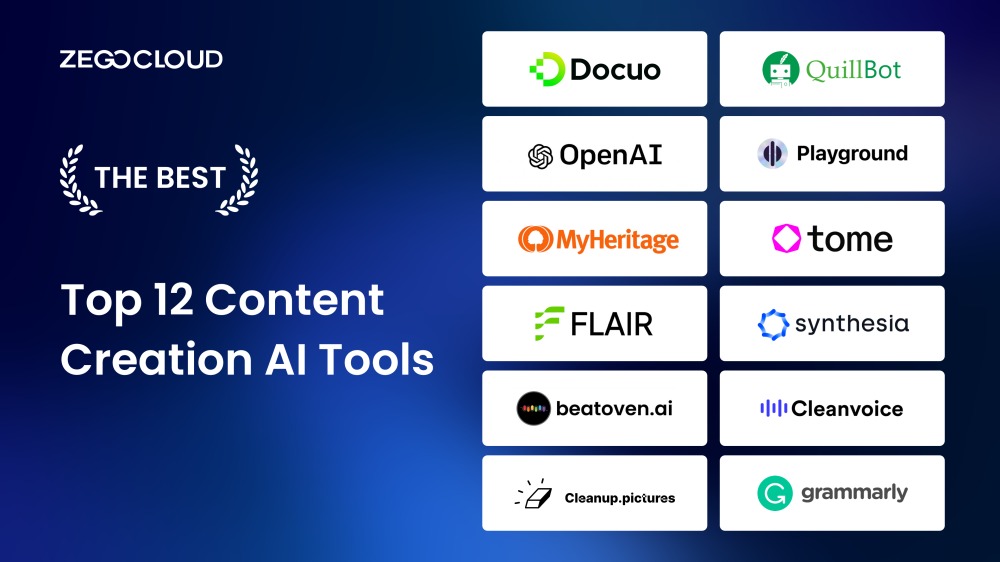
Credit: www.zegocloud.com
Ai Design Tools
Design is no longer just for experts. AI design tools can help you create:
- Presentations
- Infographics
- Logos and branding kits
- Web layouts
Canva, Visme, and Looka offer AI-powered design suggestions, templates, and even brand color selection.
Unique Features
- Smart template recommendations based on your content
- Logo generators that adapt to your business style
- Automatic resizing for different platforms
Example
Canva’s Magic Design lets you upload some text or photos and instantly see many layout ideas. You can pick one and customize it in minutes.
How To Choose The Right Ai Content Creation Tool
With so many choices, picking the right tool can be tough. Here’s how to decide:
- Define Your Goal – Do you need help with writing, images, video, or all of them?
- Check Integration – Does the tool work with your other software?
- Test for Ease of Use – Try free versions or demos before paying.
- Review Pricing – Watch for hidden costs, such as credits or per-use charges.
- Check Output Quality – Look for tools with good reviews and sample outputs.
- Consider Support and Community – Good help and active communities can save you time.
Table: Key Factors When Choosing An Ai Tool
| Factor | Why It Matters | What to Check |
|---|---|---|
| Accuracy | High-quality outputs save editing time | Sample results, user reviews |
| Integration | Works with your platforms (WordPress, YouTube, etc.) | API, plugin availability |
| Pricing | Fits your budget as you scale up | Monthly costs, free plans |
| Support | Help when you get stuck | Live chat, tutorials |
Common Buyer Mistake
Many users pay for expensive tools with lots of features but only use a few. Start with what you need and upgrade as you grow.
Real-world Success Stories
AI content tools are not just for big brands. Small business owners, solo creators, and even students are using these tools with great results.
- A freelance writer uses Jasper and Grammarly to write and edit 5 blog posts a day, doubling her income.
- An e-commerce store owner uses Canva’s AI image and design tools to create Facebook ads without hiring a designer.
- A YouTuber edits videos with Descript, saving hours each week.
These examples show that AI content tools can help almost anyone work faster and smarter.
Ethical And Legal Considerations
AI content tools are powerful, but they also raise important questions.
Plagiarism And Originality
AI writing tools can sometimes create content too close to existing sources. Always check for plagiarism and add your own insights.
Copyright And Image Use
Some AI image generators use data from across the internet. You may not have full rights to sell or use these images commercially. Always read the terms and conditions.
Deepfakes And Fake News
AI video and audio tools can create realistic fake voices and images. Use these tools responsibly and never mislead your audience.
Privacy
AI tools often require access to your data or content. Choose reputable companies and check their privacy policies.
External Resource
For more on AI ethics and copyright, see Wikipedia: AI Ethics.

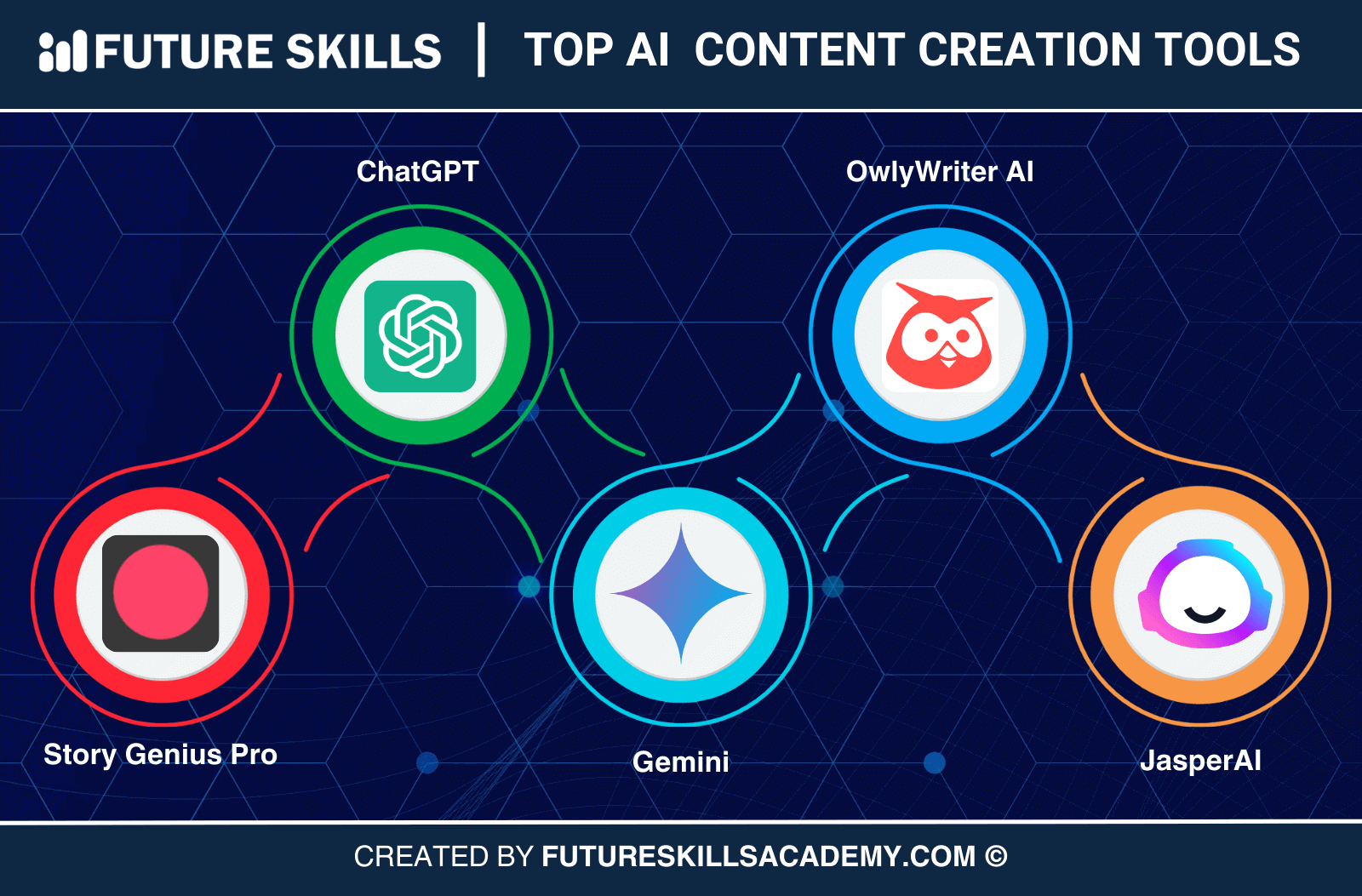
Credit: futureskillsacademy.com
The Future Of Ai Content Creation
The field is moving fast. Here’s what to expect:
- More Personalization – AI will soon write and design content that matches each user’s taste.
- Better Collaboration – Tools will connect with team platforms for smoother teamwork.
- Voice and Video Growth – As voice search and video content grow, expect smarter AI for both.
- Human-AI Partnerships – The best results will come from humans guiding and improving AI, not just clicking “generate.”
Two Insights Beginners Often Miss
- AI tools are not magic. They help you work faster, but you still need to review, edit, and add your unique ideas. AI is a partner, not a replacement for creativity.
- Learning to prompt well is a skill. The better you describe what you want, the better the results. Spend time learning prompt techniques for each tool.
Frequently Asked Questions
What Are The Best Ai Tools For Content Creation In 2024?
The best tools depend on your needs. For writing, Jasper and Copy.ai are popular. For images, try DALL-E or Canva. For video, Descript and Lumen5 are top picks. Test a few to see which fits your workflow best.
Can Ai Tools Completely Replace Human Writers And Designers?
No. AI can help with drafts, ideas, and simple designs, but human creativity, judgment, and style are still needed. Use AI to save time on routine tasks and focus your energy on creative work.
Are Ai-generated Images And Text Safe To Use For Commercial Projects?
It depends. Some tools offer full commercial rights, but others do not. Always check the tool’s license terms. Also, check for plagiarism and avoid sensitive or trademarked topics.
How Much Do Ai Content Creation Tools Cost?
Prices vary widely. Many tools offer free versions with limits. Paid plans can range from $10 to $100+ per month, depending on features and usage. Always start with a free trial if possible.
What’s The Biggest Mistake Beginners Make With Ai Content Tools?
Many beginners trust AI outputs too much. Always review and edit the content, check facts, and add your own ideas. AI is a helper, not a replacement for quality control.
Content creation is changing fast, and AI tools for content creation are at the center of this shift. Whether you’re a writer, marketer, designer, or business owner, these tools can make your work easier and more effective. The key is to pick the right tool for your needs, learn how to use it well, and never forget the value of your unique human touch. The best results come when you and AI work together—combining speed and creativity to make great content every time.