
The world of website design and development is changing fast. Today, artificial intelligence (AI) is making it easier for anyone—from tech experts to small business owners—to build professional websites. No longer do you need to write long lines of code or spend weeks making every page perfect. With the right AI tools, you can create stunning websites, optimize user experience, and save hours on routine tasks.
But with so many AI tools out there, it’s hard to know which ones are really worth your time. Some promise amazing results but don’t deliver, while others quietly boost productivity and spark creativity. This article explores the best AI tools for website design and development in 2024.
You’ll learn what makes each tool unique, who should use them, and how they compare side by side. Whether you’re a freelancer, a small business owner, or part of a big team, these tools can help you build better, faster, and smarter.
AI is not just a buzzword. In website design and development, AI is a practical helper. Here’s why more people are turning to AI-powered tools:
AI can also tackle tasks that are repetitive or time-consuming. For example, updating hundreds of product pages for an online store, or optimizing images for faster loading. AI can do these jobs in minutes, freeing you to focus on bigger decisions.
A recent study by Statista shows that over 47% of web developers now use AI tools regularly. This number is growing each year. More businesses are reporting increased productivity and customer satisfaction after switching to AI-powered design and development platforms. Some startups even credit AI with helping them launch websites faster than competitors.
Another hidden advantage is scalability. If you want to build many websites or manage large projects, AI tools can handle bulk tasks like generating content, resizing images, or testing layouts across devices. This makes them popular not only for solo creators, but also for agencies and teams.
Choosing the right AI tool depends on your needs, skills, and budget. Here are some key factors to consider:
A great AI website design tool also adapts to your workflow. For example, if you prefer working visually, look for tools with drag-and-drop editors. If you like automation, pick tools that offer smart suggestions or batch editing. Some tools offer built-in analytics to measure user engagement, which can help you make data-driven improvements.
Non-obvious insight: Many beginners overlook how well a tool integrates with other services, like email marketing platforms or payment gateways. Make sure your AI tool plays well with your existing stack, otherwise you may face limitations later.
Another tip: Check for active communities or user forums. These can be valuable for troubleshooting, sharing templates, and learning shortcuts that aren’t in the official documentation.
Let’s dive into the top AI tools in this space.
Credit: www.digitalocean.com
Below are the most popular and effective AI tools for designers and developers. They cover everything from design automation to code generation and content writing.
Wix ADI (Artificial Design Intelligence) helps users build websites by answering a few simple questions. You don’t need design or coding experience. The tool suggests layouts, color schemes, and text based on your business type and preferences.
Wix ADI also provides built-in SEO optimization, making it easier for your site to rank in search engines without manual tweaking. You can preview changes instantly, and the AI can even suggest improvements if your site is missing important features, like a contact form or gallery.
Pros:
Cons:
Pricing: Starts free; premium plans from $16/month.
Framer uses AI to turn simple text prompts into interactive web pages. You describe the site you want, and Framer builds it instantly, including animations and components.
Framer also allows designers to test different layouts and transitions, helping you visualize the final user experience before coding. Its AI can suggest variations for buttons, menus, or page flows, making prototyping faster.
Pros:
Cons:
Pricing: Free basic plan; paid plans from $20/month.
Durable is known as the “AI website builder for small business. ” It generates a full website—complete with content and images—in under a minute.
Durable’s AI can also recommend keywords for SEO, helping your site attract more visitors. It’s ideal for service businesses like restaurants, consultants, and freelancers. The built-in CRM lets you manage leads and invoices without leaving the platform.
Pros:
Cons:
Pricing: Free trial; paid plans from $15/month.
10Web uses AI to recreate any website you like. Just paste a URL, and the tool builds a similar site on WordPress. It also helps with SEO and site speed.
Besides cloning, 10Web’s AI can produce unique blog posts, optimize images for loading speed, and suggest layout improvements. It’s useful for people who want to migrate from one platform to WordPress without losing their site’s style.
Pros:
Cons:
Pricing: Starts at $10/month.
Hostinger’s builder uses AI for layout design, content suggestions, and even logo creation. It’s easy for beginners and includes hosting.
The AI can generate entire sections for your homepage or about page based on your business type. Hostinger also helps set up basic SEO, security, and backup features automatically, making it a practical choice for those who want everything in one package.
Pros:
Cons:
Pricing: Plans from $2.99/month.
Webflow is popular among designers who want full creative control. Their AI assistant helps write code, fix errors, and generate animations.
Webflow’s AI can spot accessibility issues and suggest fixes, which is important for reaching more users. It also lets you build custom interactions, like pop-ups or sliders, without writing JavaScript.
Pros:
Cons:
Pricing: Free basic plan; paid from $14/month.
Uizard lets you sketch ideas on paper or describe them in text. AI turns those into clickable prototypes, saving hours of work.
It’s especially handy for brainstorming sessions. You can upload a photo of a hand-drawn wireframe, and Uizard will create a digital version instantly. This speeds up concept testing and feedback.
Pros:
Cons:
Pricing: Free plan; premium from $12/month.
Jasper is an AI writing assistant. It creates website copy, blog posts, and product descriptions tailored to your brand.
Jasper’s AI can adapt writing style based on your tone preferences, from formal to friendly. It also helps with keyword optimization, making sure your pages rank well in search engines.
Pros:
Cons:
Pricing: Plans from $39/month.
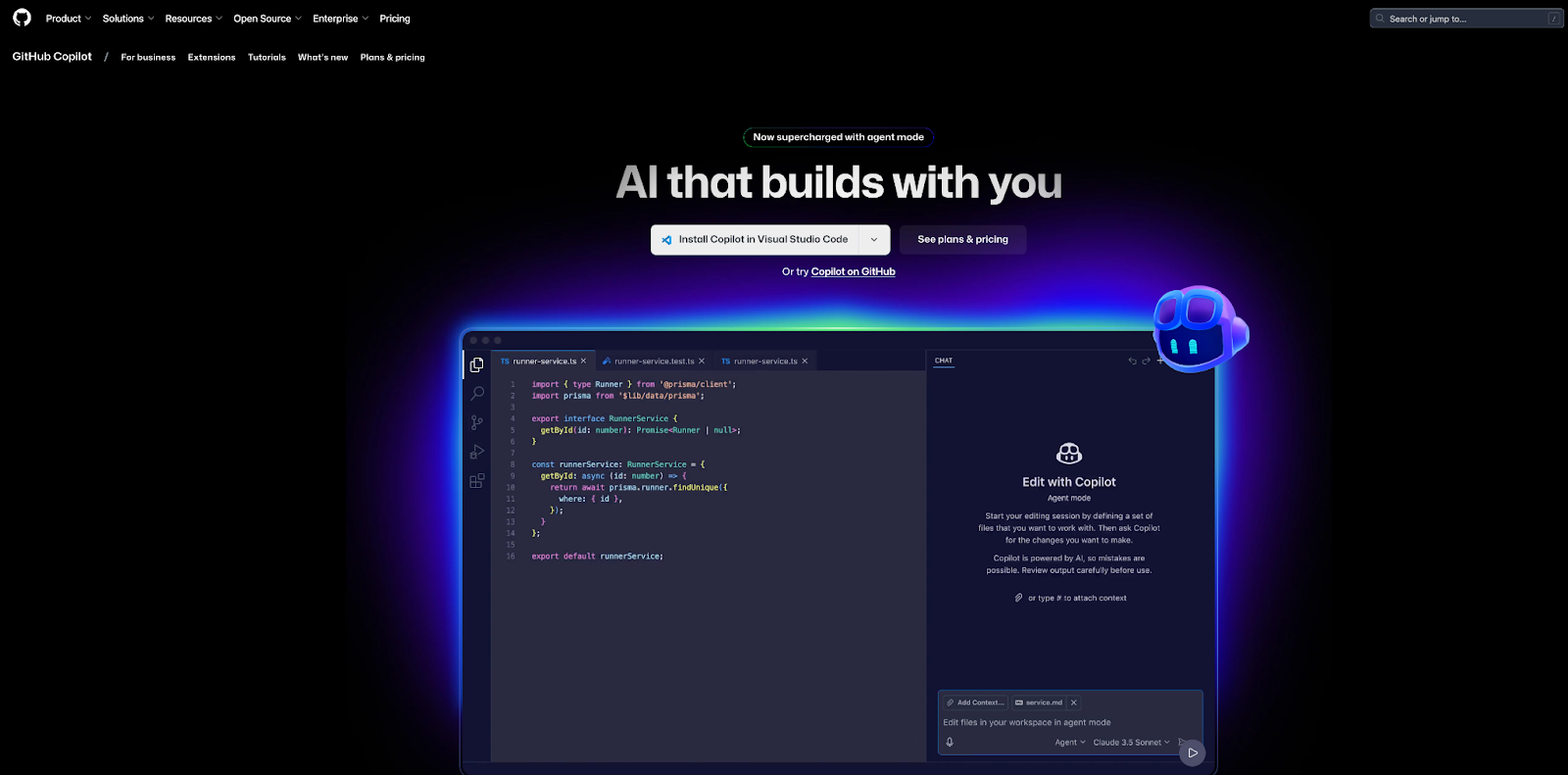
GitHub Copilot is an AI coding assistant. It suggests code snippets, fixes bugs, and helps you write functions faster in editors like VS Code.
Copilot can explain code, which is helpful for beginners trying to learn new languages. It also keeps track of your project context, making suggestions that fit your style and goals.
Pros:
Cons:
Pricing: $10/month for individuals.
Figma’s AI features speed up design workflows. It offers auto-layouts, smart suggestions, and image editing—all inside a browser.
Figma’s plugin ecosystem lets you add extra AI features, like automatic color palette generation or icon creation. It’s widely used for team projects, as changes are visible instantly to all members.
Pros:
Cons:
Pricing: Free basic plan; paid from $12/month.
—
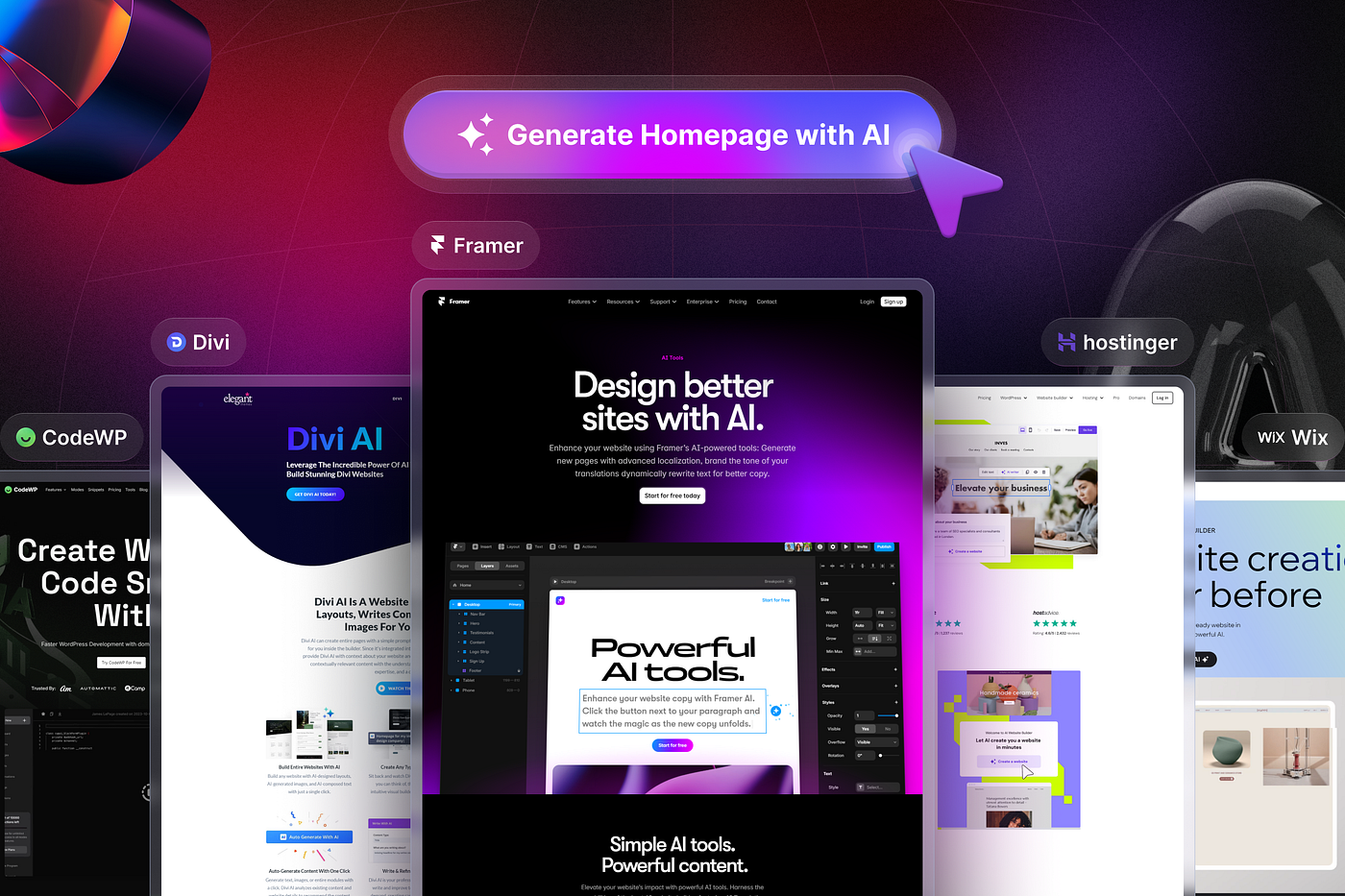
Here’s a side-by-side look at the most popular AI-powered website builders.
| Tool | Best For | AI Features | Pricing | Ease of Use |
|---|---|---|---|---|
| Wix ADI | Beginners, small businesses | Design, content, layout | From $16/month | Very easy |
| Framer AI | Designers, prototyping | Text-to-design, animation | From $20/month | Easy-medium |
| Durable | Small business, freelancers | Full site generation | From $15/month | Very easy |
| 10Web | WordPress users | Website cloning, content | From $10/month | Easy |
| Hostinger AI | All-in-one setup | Design, content, SEO | From $2.99/month | Very easy |
—
AI isn’t just for design. Developers use it to write, fix, and improve code quickly.
As mentioned, Copilot is like having an AI pair programmer. Type a comment, and it writes code for you. It speeds up everything from HTML/CSS to JavaScript and Python.
For larger projects, Copilot can help manage code consistency, suggesting ways to reuse functions and avoid duplicate code. It’s also handy for finding bugs early, as it points out problems before you run your code.
Practical tip: Use Copilot for repetitive functions, but always review the code for security and efficiency.
Tabnine offers AI-driven code completion. It integrates with popular editors and suggests lines or whole blocks of code as you type.
Tabnine learns from your coding habits, so suggestions become more accurate over time. It’s useful for teams working on similar projects, as it can help standardize code structure.
Pros:
Cons:
Pricing: Free; Pro starts at $12/month.
OpenAI Codex powers Copilot but is also available for custom applications. Developers use it to build chatbots, automate workflows, and write scripts.
Codex can turn natural language instructions into code, making it ideal for people who aren’t expert programmers. For example, you can say “create a button that submits a form,” and Codex writes the code for you.
Pros:
Cons:
Pricing: Usage-based, starts free.
—
| Tool | Main Function | Supported Languages | Pricing | Best For |
|---|---|---|---|---|
| GitHub Copilot | AI code suggestions | Python, JS, HTML, more | $10/month | Developers, learners |
| Tabnine | Code completion | 30+ languages | From $12/month | Teams, solo devs |
| OpenAI Codex | Natural language to code | Most mainstream | Usage-based | Custom apps, automation |
—
Credit: medium.com
A good website needs not just design but also strong content and search engine optimization (SEO). AI is changing the way we write, optimize, and manage web content.
Jasper helps you write website copy, product pages, and blog posts. You give a topic or a few keywords, and Jasper generates SEO-friendly content.
Jasper’s AI can also help you write meta descriptions and alt tags for images, which are important for search engines. This can make your site more visible and attract more visitors.
Non-obvious insight: Jasper can create multiple versions of headlines and calls-to-action, helping you run A/B tests for higher conversion.
Surfer SEO combines AI and data analytics to improve your website’s search rankings. It analyzes top-performing pages and suggests what to write or edit.
Surfer SEO gives you a content score in real time, showing how your page compares to competitors. Its AI can recommend keywords, headings, and even the number of words to use for each section.
Pros:
Cons:
Pricing: Plans from $49/month.
Copy. ai creates marketing copy, emails, and blog posts. Its AI adapts to your brand’s voice and style, helping keep your website content consistent.
Copy. ai is also useful for creating social media captions, product descriptions, and ad copy. You can generate short or long-form content in seconds, which is especially handy for busy marketers.
Pros:
Cons:
Pricing: Free plan; Pro from $36/month.
—
| Tool | Main Use | SEO Features | Pricing | Best For |
|---|---|---|---|---|
| Jasper | Website, blog content | Yes, via integrations | From $39/month | Marketers, bloggers |
| Surfer SEO | SEO analysis | Full suite | From $49/month | SEO specialists |
| Copy.ai | Marketing copy | Basic, some templates | From $36/month | Small businesses |
—
Great websites are easy to use and visually appealing. Here’s how AI boosts the UX/UI design process.
Figma’s AI tools suggest layouts, color palettes, and even generate icons. Designers save time and avoid manual, repetitive tasks.
Figma’s auto-layout feature makes sure your site looks good on all devices. The AI can detect alignment issues and fix them automatically, so your design always stays clean and professional.
Adobe Sensei, built into products like Adobe XD, uses AI to automate design alignment, image cropping, and content-aware fills.
Sensei’s AI also helps with font pairing and image selection, making your site more visually appealing. For larger sites, it can suggest ways to organize menus and navigation for better user experience.
Non-obvious insight: Adobe Sensei can analyze user interactions to suggest changes that improve engagement, not just look.
Uizard, as mentioned, lets non-designers turn ideas into prototypes. It’s popular for quick mockups and testing concepts with clients.
Uizard’s AI can also generate accessibility suggestions, making sure your site is usable for people with disabilities. This is something many beginners forget, but it’s becoming more important as web standards evolve.
—
Picking the best AI tool depends on your goals, experience, and budget.
Common mistakes:
Practical tip: Most AI tools offer free trials. Test a few before making your choice. Try building a basic page, writing some content, or designing a logo to see how well the tool fits your workflow. Don’t just read reviews—hands-on experience is the best way to decide.
Another insight: Consider future growth. If you plan to scale up, choose a tool that can handle larger sites, more users, or extra features like e-commerce and analytics.
—
AI’s role in web development will keep growing. Soon, we’ll see more tools that:
Some platforms are already testing AI that can update websites based on real-time visitor behavior, like changing layouts if a user seems lost or showing different products to different customers. This will make sites more engaging and increase sales or signups.
AI may also help with accessibility, making sites easier for people with disabilities. For example, automatic alt text generation for images, or adjusting colors for people with color blindness.
For now, even basic AI tools can save hours, reduce costs, and help you compete with bigger brands. As AI gets smarter, expect even more automation and creative possibilities.
If you want to read more about AI’s impact on tech, check out this Forbes article on AI in website design.
—
Credit: www.ramotion.com
Wix ADI and Hostinger Website Builder are both very easy for beginners. They guide you step by step, use simple language, and need no coding skills.
Yes, tools like Durable and 10Web can generate a complete website, including text and images, in less than a minute. However, you may still want to adjust the design and content to match your brand.
Most top AI builders use strong security practices. Always choose tools with good reviews and support. For business sites, check for SSL, backup, and privacy features.
Extra tip: Look for tools that offer two-factor authentication and regular updates for added safety.
AI can automate many tasks, but it won’t fully replace skilled designers or developers soon. Instead, it helps them work faster and focus on creative or complex projects.
AI is also helping designers and developers learn new skills by suggesting best practices and code improvements.
Prices vary. Many offer free trials or basic plans. Paid plans usually start around $10–$20/month for simple builders. Advanced design and coding tools may cost more, especially for teams.
Non-obvious insight: Some tools offer discounts for annual billing or educational purposes. Check their pricing pages for special deals.
—
AI tools are changing how websites are designed, built, and managed. With the right mix of creativity and technology, anyone can create a website that looks great, works well, and brings in results. Try out a few tools, keep learning, and let AI handle the boring work—so you can focus on what matters most.
