The rise of AI video generators is transforming how people create content. Even if you have no editing skills, you can now make impressive videos for business, social media, education, or personal branding. Traditional video editing is time-consuming and can feel overwhelming for beginners. But with today’s AI-powered tools, anyone can turn ideas into eye-catching videos in minutes.
This guide explores the best AI video generator tools for beginners. You’ll discover how these platforms work, the features that matter most, and how to choose the right one for your needs. If you’re a tech enthusiast, freelancer, small business owner, or just curious about video creation, this article breaks down everything in simple, clear language. You’ll also find practical examples, comparison tables, pros and cons, and answers to common questions.
AI video generators are software tools that use artificial intelligence to automate video creation. Instead of editing clips by hand, you give the tool a script, a few images, or even just an idea. The AI then assembles video scenes, adds voiceovers, syncs subtitles, selects music, and creates animations—often in just a few clicks.
These tools are popular because they:
Many platforms run fully online, so you don’t need powerful hardware. Some even turn blog posts or articles into videos automatically.
People use AI video generators for many reasons:
For beginners, these tools remove the technical roadblocks. You focus on your message, and the AI handles the rest.
Credit: manus.im
Not all AI video tools are the same. Here are features that matter most for beginners:
A few platforms also offer advanced options like avatars, multi-language voices, or integration with other apps.
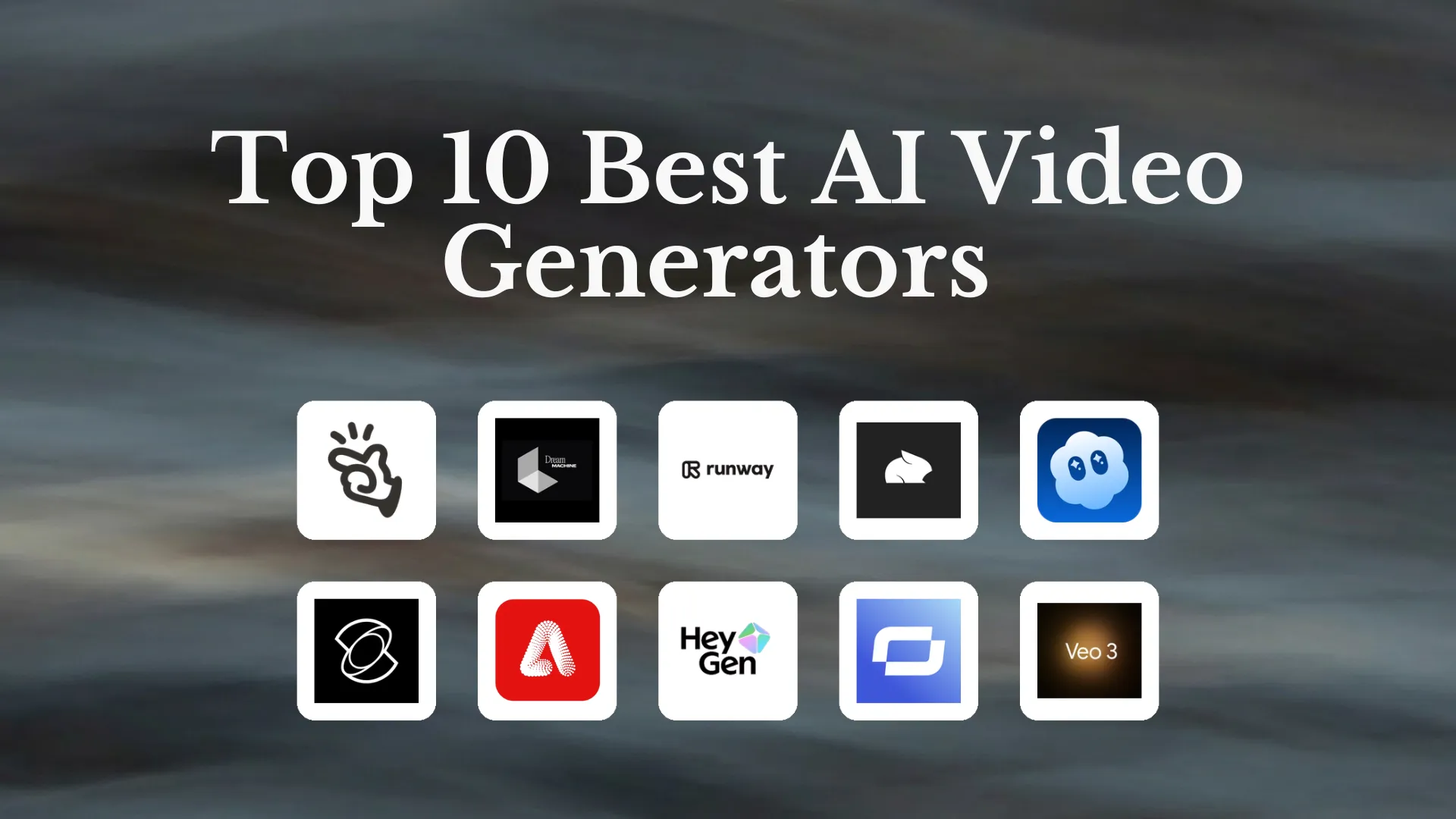
Let’s explore the top tools that balance ease of use, features, and affordability. Each tool is beginner-friendly and widely used.
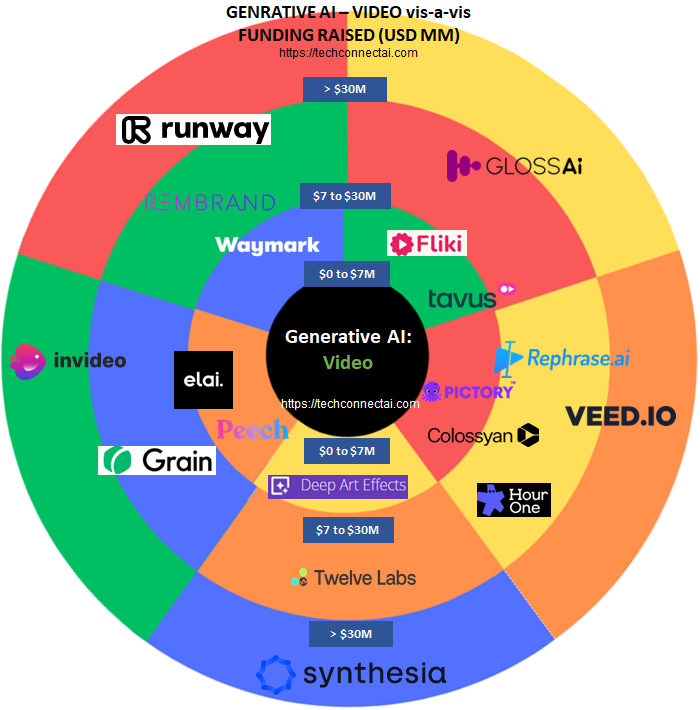
InVideo is one of the most popular AI video generators for beginners. It stands out for its wide selection of templates (over 5,000) and an easy drag-and-drop editor. You can start with a script, a blog post, or a plain idea. InVideo’s AI suggests visuals, music, and transitions.
Key Features:
Pros:
Cons:
Pricing: Free plan (watermarked), paid plans start at $15/month.
Synthesia specializes in AI avatar videos. You type a script, choose a realistic digital presenter, and the tool generates a video with lifelike speech and gestures. It’s popular for explainer videos, training, and business presentations.
Key Features:
Pros:
Cons:
Pricing: Starts at $22/month for individuals.
Pictory is great for turning long-form content into short, engaging videos. You can paste in a blog post, article, or even a Zoom transcript, and Pictory’s AI highlights the best parts to create a video summary.
Key Features:
Pros:
Cons:
Pricing: Starts at $19/month.
Lumen5 is famous for its focus on brand storytelling. It transforms text or URLs into animated videos with matching visuals and music. Lumen5 is trusted by many big brands, but it’s also beginner-friendly.
Key Features:
Pros:
Cons:
Pricing: Free plan (720p exports), paid plans from $29/month.
Veed.io is an all-in-one online video editor with built-in AI features. You can create, edit, and share videos from your browser. Veed.io offers auto-subtitling, text-to-speech, and a simple interface.
Key Features:
Pros:
Cons:
Pricing: Free basic plan, pro plans from $18/month.
FlexClip combines traditional editing with AI tools. It’s ideal for making marketing videos, slideshows, and social posts. FlexClip offers templates, auto-subtitling, and a large media library.
Key Features:
Pros:
Cons:
Pricing: Free with basic features, paid from $9.99/month.
Steve.AI is designed for making animated explainer videos and social content. It turns scripts into animated scenes with characters, props, and voiceovers.
Key Features:
Pros:
Cons:
Pricing: Free trial, paid plans from $20/month.
Credit: techconnectai.com
Here’s a side-by-side look at key features of these AI video generators:
| Tool | Best For | Templates | Voiceover | Stock Assets | Branding | Pricing (Starting) |
|---|---|---|---|---|---|---|
| InVideo | All-purpose | 5,000+ | AI & Human | Yes | Yes | $15/mo |
| Synthesia | AI Avatars | 100+ | AI Only | Limited | Yes | $22/mo |
| Pictory | Text-to-video | 50+ | AI & Human | Yes | Yes | $19/mo |
| Lumen5 | Storytelling | 1000+ | AI & Human | Yes | Yes | $29/mo |
| Veed.io | Editing & AI | 200+ | AI & Human | Yes | Yes | $18/mo |
| FlexClip | Marketing | 1000+ | AI & Human | Yes | Yes | $9.99/mo |
| Steve.AI | Animated Explainers | 100+ | AI & Human | Limited | Yes | $20/mo |
To help you choose, here’s a summary of strengths and weaknesses of each tool:
| Tool | Pros | Cons |
|---|---|---|
| InVideo | Huge template selection, easy to use, fast exports | Watermark on free plan, some paid-only features |
| Synthesia | Lifelike avatars, multi-language, professional look | Less creative control, higher price |
| Pictory | Great for repurposing content, fast summarization | Generic visuals, limited free usage |
| Lumen5 | Quick text-to-video, strong branding, good for teams | Some editing limits, lower free export quality |
| Veed.io | Powerful editing, cloud-based, subtitles/translation | Watermarks, some features behind paywall |
| FlexClip | Simple interface, versatile, low-cost plans | Less advanced editing, basic free plan |
| Steve.AI | Easy animated videos, fast, storyboards | Cartoonish look, not for live-action |
Selecting the best tool depends on your goals, budget, and workflow. Here are practical tips:
Non-obvious insight: Some platforms limit the number of monthly exports, even on paid plans. If you plan to make a lot of videos, check the export limits before you commit.
If you run a small business, AI video generators can help you:
A local bakery, for example, can turn a new menu announcement into a short video with InVideo or FlexClip, then post it on social media to boost engagement.
Freelancers can use these tools to:
Veed. io and Lumen5 are especially useful for remote workers who need to collaborate online and access their projects from any device.
Gamers and content creators can:
Veed. io’s screen recording and subtitle features are popular with streamers who want to save time.
Educators can:
Nonprofits can use these tools to raise awareness with fast, affordable video content.
Non-obvious insight: Some AI video tools offer special discounts for educators, students, and nonprofits. Always check for these offers to save money.
Most AI video generators promise quick results, but performance can vary:
Quality depends on the tool and your plan. Free plans often limit resolution (usually 720p) or add watermarks. Paid plans unlock HD or even 4K exports.
Here’s a quick look at starting prices for each tool:
| Tool | Free Plan | Paid Plan (starting) | Watermark on Free Plan? | HD Export? |
|---|---|---|---|---|
| InVideo | Yes | $15/mo | Yes | Paid only |
| Synthesia | No | $22/mo | N/A | Yes |
| Pictory | Yes | $19/mo | Yes | Paid only |
| Lumen5 | Yes | $29/mo | Yes | Paid only |
| Veed.io | Yes | $18/mo | Yes | Paid only |
| FlexClip | Yes | $9.99/mo | Yes | Paid only |
| Steve.AI | Yes (trial) | $20/mo | Yes | Paid only |
Buyer mistake to avoid: Don’t assume the lowest price is best. Consider the features you need, export quality, and whether the free plan meets your needs before upgrading.
Credit: zapier.com
If you’re just starting out, here’s what I suggest:
Test each tool’s free plan, explore the templates, and see how easy it is to make your first video. Upgrading makes sense once you’re comfortable and need more features or higher quality.
For more detailed information on AI video generators, you can also check Wikipedia’s Artificial Intelligence overview.
InVideo and FlexClip are often rated the easiest for beginners. Both have clear interfaces, lots of templates, and step-by-step guides. You don’t need editing experience to get started.
Yes. Most tools offer templates and export settings designed for YouTube, TikTok, Instagram, and other platforms. You can choose the right aspect ratio and export format for each channel.
Many offer free plans with basic features. However, free plans often add a watermark to videos or limit HD exports. Paid plans remove these limits and unlock more assets and templates.
The tool analyzes your script or article, then matches key phrases with relevant images, clips, or animations. It creates scenes, syncs voiceovers, and adds transitions automatically. You can usually edit and customize the result before exporting.
Yes, as long as you follow copyright rules. Most platforms include royalty-free assets. Always check the license for any images, clips, or music you use, especially if you plan to use videos for commercial purposes.
Creating videos has never been easier for beginners. With the right AI video generator, you can turn ideas into professional results—no editing experience required. Try out a few platforms, explore their features, and start sharing your story with the world.
