
Home Tech Best Graphic Design Software

Best Graphic Design Software

1
0
Best Graphic Design Software

Graphic design is everywhere—on websites, social media, packaging, ads, and even street signs. The software you use can shape your creative work, whether you’re a beginner, a student, or a professional. Choosing the best graphic design software matters, and with so many choices today, it can feel overwhelming. Some tools are perfect for digital illustration, others for photo editing, and some make branding or web graphics easy. Knowing which software fits your needs will save you time, money, and a lot of stress.

In this in-depth guide, you’ll discover the leading graphic design programs, their strengths, weaknesses, and how they compare. You’ll learn which ones are best for beginners, which excel in professional environments, and how pricing works. We’ll also look at real-world examples and answer common questions, so you can make a confident decision for your creative journey.

What Makes Great Graphic Design Software?

Before you dive into the list, it helps to understand what sets great graphic design software apart. Here are the most important features:

  • Ease of use: Can you learn quickly? Is the interface clean?
  • Features: Does it support illustration, photo editing, typography, and layout?
  • Compatibility: Is it available on Windows, Mac, or even mobile devices?
  • File support: Does it handle popular formats like PSD, AI, SVG, and PDF?
  • Collaboration: Can you work with others or share files easily?
  • Price: Does it fit your budget, and is it a good value?

Some software focuses on one area, like photo editing, while others try to be all-in-one solutions. The best choice often depends on your goals and experience.

Comparing The Top Graphic Design Software

Below is a detailed comparison of the best graphic design software. This table covers key features, platforms, and pricing to help you find the right tool for your needs.

Software Main Focus Platforms Pricing Best For
Adobe Photoshop Photo Editing, Digital Art Windows, Mac $20.99/mo Professionals, Photographers
Adobe Illustrator Vector Graphics, Logos Windows, Mac $20.99/mo Logo Designers, Illustrators
CorelDRAW Vector Design, Layout Windows, Mac $22.42/mo or $299/yr Print Designers
Affinity Designer Vector & Raster Design Windows, Mac, iPad $69.99 one-time Cost-Conscious Pros
Canva Web Graphics, Social Media Web, iOS, Android Free, Pro $12.99/mo Beginners, Marketers
GIMP Photo Editing, Open Source Windows, Mac, Linux Free Hobbyists, Students
Figma UI/UX, Collaboration Web, Windows, Mac Free, Pro $12/mo Teams, App Designers
Sketch UI Design, Prototyping Mac $9/mo or $99/yr Mac UI Designers
Inkscape Vector Design, Open Source Windows, Mac, Linux Free Budget Users
Procreate Digital Illustration iPad $12.99 one-time Artists, Illustrators

Adobe Photoshop

Adobe Photoshop is the industry leader for photo editing and digital art. It has been used by professionals for decades to create everything from magazine covers to websites and complex illustrations.

Key Features

  • Layer-based editing for detailed control
  • Advanced retouching and restoration tools
  • Text effects and smart objects
  • AI-powered features like sky replacement and object selection
  • Supports most file formats (PSD, JPG, PNG, TIFF, etc.)

Pros

  • Deep set of features for both beginners and experts
  • Extensive plugin ecosystem
  • Regular updates with new features
  • Strong community and online tutorials

Cons

  • Subscription-based pricing can be expensive long-term
  • Steep learning curve for new users
  • Requires a powerful computer for best performance

Pricing

Photoshop costs $20.99/month as part of Adobe’s Creative Cloud. There are bundle options with other Adobe apps for a higher fee.

Real-world Use Cases

  • Photographers use Photoshop for color correction, removing unwanted objects, and retouching.
  • Digital artists create concept art, matte paintings, and illustrations.
  • Marketers design banners, ads, and social media posts.

Expert Insight

Many beginners try to use Photoshop for logo design, but vector-based tools like Illustrator are better suited for that. Photoshop is best for raster images and photo-based work.

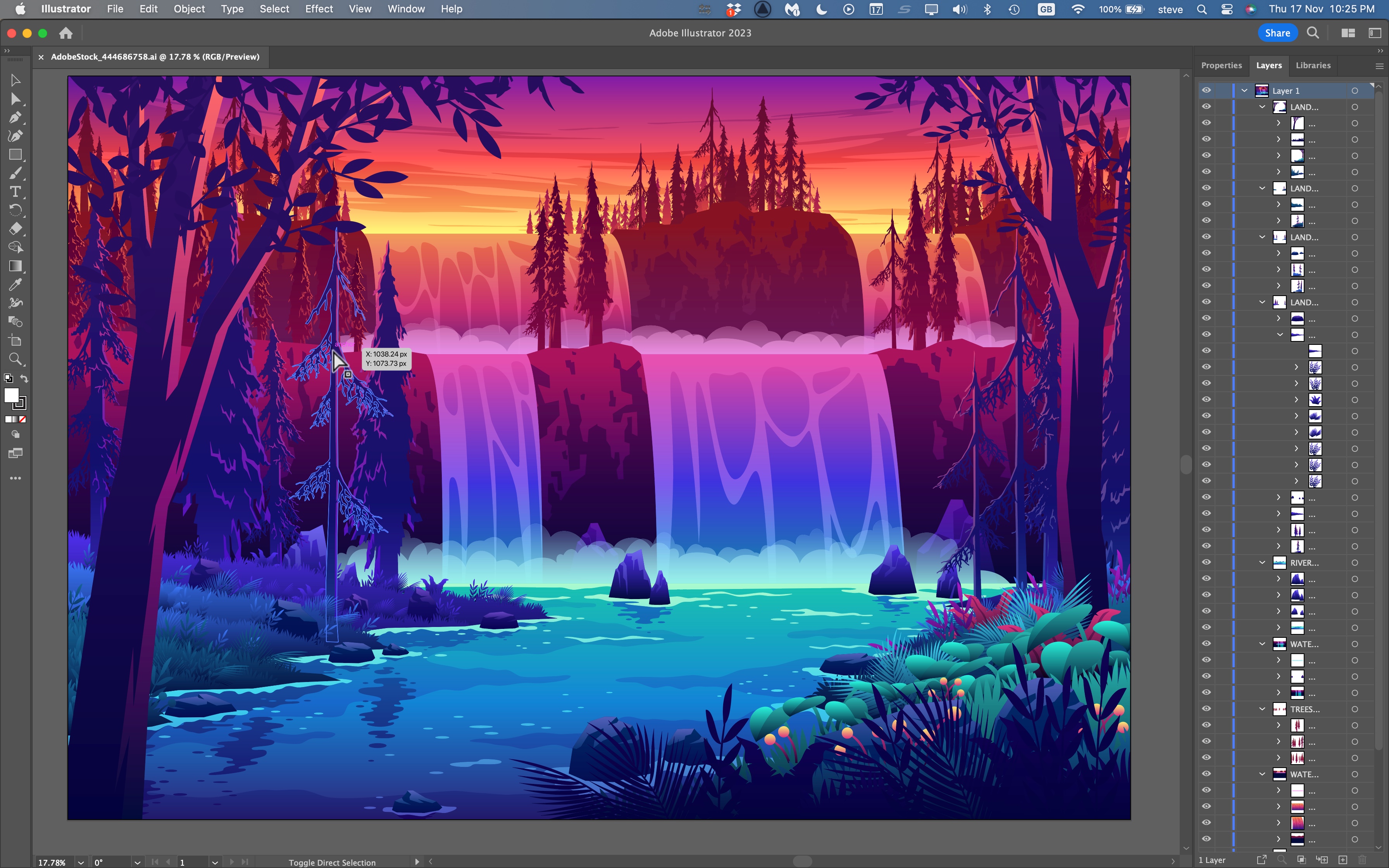
Adobe Illustrator

Adobe Illustrator is the standard for vector graphic design. Vectors are images made from lines and shapes, so they don’t lose quality when you resize them.

Key Features

  • Precision drawing tools for logos, icons, and illustrations
  • Artboards for working on multiple projects at once
  • Custom brushes and effects
  • Integration with other Adobe apps

Pros

  • Perfect for logo and branding design
  • Scalable graphics—no loss of quality
  • Excellent typography tools
  • Well-documented and widely adopted in the industry

Cons

  • Also subscription-based at $20.99/month
  • Can feel overwhelming for beginners
  • Complex vector features may be more than casual users need

Pricing

Same as Photoshop, $20. 99/month. Part of the Adobe Creative Cloud.

Real-world Use Cases

  • Logo designers use Illustrator for crisp, scalable logos.
  • Branding agencies create brand assets like business cards and icons.
  • Web designers develop SVG graphics for websites.

Non-obvious Tip

Many users don’t realize Illustrator can export directly to SVG for web use, making it easier to create responsive graphics.
Best Graphic Design Software

Credit: www.youtube.com

Coreldraw

CorelDRAW has a strong reputation in print design and vector illustration, especially in industries like sign-making and packaging.

Key Features

  • Vector illustration and page layout tools
  • Font management and color harmonies
  • PowerTRACE for turning bitmaps into vectors
  • Support for multi-page documents

Pros

  • Excellent for print projects and complex layouts
  • One-time purchase or subscription options
  • Strong file format compatibility
  • Fast and efficient interface

Cons

  • Fewer online tutorials than Adobe products
  • Mac version is newer and may lack some features
  • Interface feels dated to some users

Pricing

$22.42/month or $299/year, with perpetual licenses sometimes available.

Real-world Use Cases

  • Packaging designers create product labels and boxes.
  • Sign-makers design large-scale banners and posters.

Common Mistake

Many beginners use raster images in CorelDRAW by accident, leading to blurry prints. Always use vectors for print work.

Affinity Designer

Affinity Designer is a favorite for those who want professional features without a subscription. It offers both vector and raster design in one package.

Key Features

  • Vector and raster workspaces
  • Real-time blending and effects
  • Unlimited artboards
  • Fast performance, even with large files

Pros

  • One-time purchase, no monthly fees
  • Smooth on both Mac, Windows, and iPad
  • Excellent performance and stability
  • Regular updates

Cons

  • Smaller user community than Adobe
  • Lacks some advanced features like scripting
  • Not as integrated with other creative apps

Pricing

$69.99 for a perpetual license. Updates often included.

Real-world Use Cases

  • Freelancers create client logos, illustrations, and web graphics.
  • Small businesses design marketing materials.

Non-obvious Insight

Affinity Designer can open and export Adobe Illustrator files (AI), making it easier to switch or collaborate with Adobe users.

Canva

Canva is a web-based tool that brings graphic design to everyone. It’s popular among marketers, small businesses, and non-designers.

Key Features

  • Drag-and-drop interface
  • Huge library of templates and stock photos
  • Team collaboration tools
  • Animation and video support

Pros

  • Very easy to learn and use
  • Works in any web browser, plus mobile apps
  • Free plan is generous
  • Great for quick social media or marketing graphics

Cons

  • Limited for professional or complex design work
  • Exports are sometimes lower quality
  • Less control over fine details

Pricing

Free basic plan. Pro plan is $12.99/month with extra templates and features.

Real-world Use Cases

  • Small business owners create flyers and posts without hiring a designer.
  • Content creators design YouTube thumbnails or Instagram stories.

Pro Tip

Canva’s “Brand Kit” lets you store colors, logos, and fonts for consistent branding—a feature many beginners overlook.

Gimp

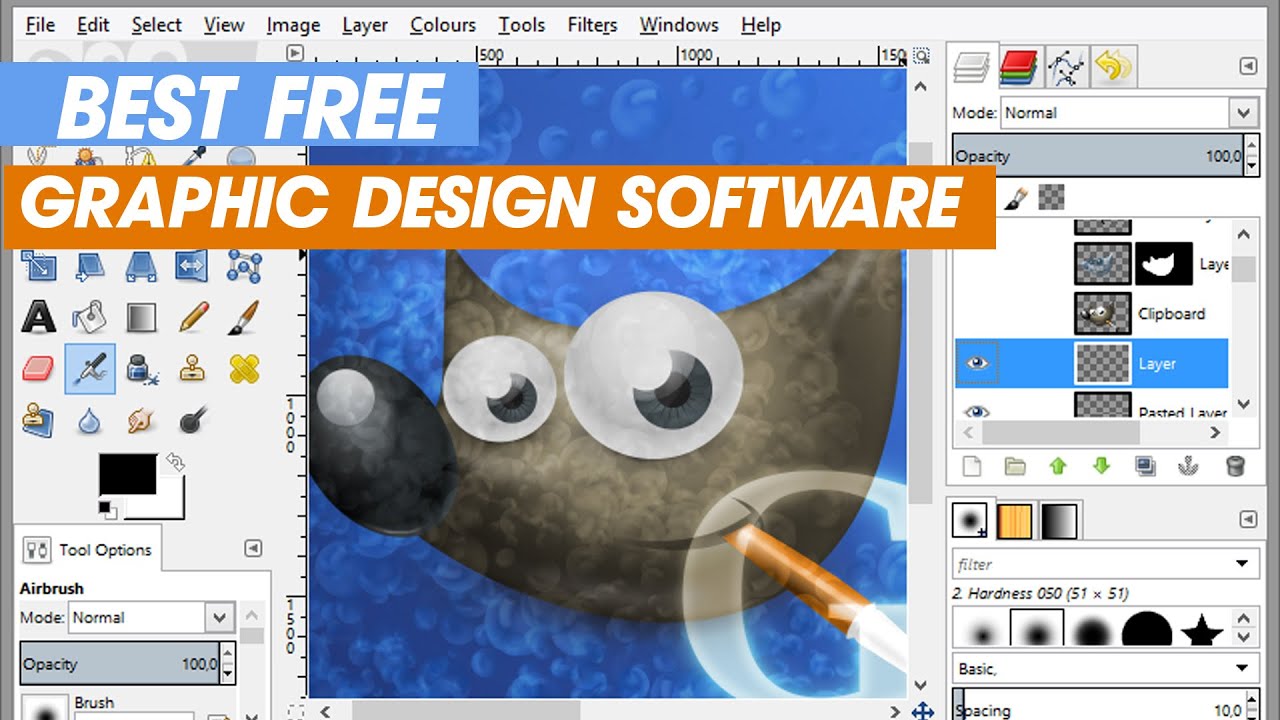
GIMP (GNU Image Manipulation Program) is a free, open-source alternative to Photoshop. It’s popular among students, hobbyists, and those on a budget.

Key Features

  • Layer-based editing
  • Custom brushes and filters
  • Supports many file formats
  • Large library of free plugins

Pros

  • Completely free with no paid upgrades
  • Active open-source community
  • Can be customized with scripts and plugins

Cons

  • Interface feels less polished than commercial software
  • Some advanced features require plugins
  • Fewer learning resources

Pricing

Free to download and use on Windows, Mac, and Linux.

Real-world Use Cases

  • Students edit photos for school projects.
  • Bloggers create web graphics or edit images.

Insider Note

GIMP can open Photoshop PSD files, but some layer effects may not transfer perfectly.

Figma

Figma is a cloud-based design tool focused on UI/UX and team collaboration. It’s widely used in the tech industry for app and web design.

Key Features

  • Real-time team collaboration
  • Vector editing and prototyping
  • Commenting and version history
  • Works in any browser

Pros

  • Perfect for remote teams
  • Auto-save and cloud storage
  • Easy to share prototypes with clients

Cons

  • Requires an internet connection
  • Not ideal for print or illustration work
  • Some features locked behind paid plans

Pricing

Free for individuals. Pro plan is $12/month per editor.

Real-world Use Cases

  • UX designers build interactive prototypes for apps.
  • Agencies collaborate on website designs with clients.

Pro Insight

Figma’s plugins can automate repetitive tasks, like exporting assets for developers.

Sketch

Sketch is a Mac-only tool known for its UI and web design capabilities. It’s a favorite among app designers and startups.

Key Features

  • Vector editing with smart layout tools
  • Symbols and reusable design elements
  • Export to many web formats
  • Plugin support

Pros

  • Optimized for macOS, fast and smooth
  • Great for wireframing and prototyping
  • Strong community with many plugins

Cons

  • Mac only—no Windows version
  • Some features require third-party plugins
  • Cloud collaboration costs extra

Pricing

$9/month or $99/year per user.

Real-world Use Cases

  • Startups design app interfaces.
  • Web agencies create high-fidelity website mockups.

Non-obvious Insight

Sketch’s “Symbols” feature lets you update all instances of a button or icon instantly, saving lots of time in large projects.

Inkscape

Inkscape is a free, open-source vector graphics editor, similar to Adobe Illustrator. It’s popular with budget-conscious designers.

Key Features

  • Full-featured vector drawing tools
  • SVG file support
  • Node editing and path operations
  • Extensions for extra features

Pros

  • Completely free to use
  • Good for creating scalable graphics
  • Active community and frequent updates

Cons

  • User interface can feel basic or dated
  • Slower performance on large files
  • Limited advanced typography features

Pricing

Free on Windows, Mac, and Linux.

Real-world Use Cases

  • Non-profits create posters and flyers.
  • DIY enthusiasts design stickers or T-shirt prints.

Common Mistake

Many users forget to export to the correct format for print or web. Always check your final file type.

Procreate

Procreate is a digital illustration app for iPad. It’s popular among artists, illustrators, and anyone who loves to draw by hand.

Key Features

  • Realistic brushes and pens
  • Pressure sensitivity with Apple Pencil
  • Time-lapse recording of artwork
  • Fast, smooth performance

Pros

  • One-time purchase, no subscription
  • Intuitive touch controls
  • Huge brush library, including user-made brushes

Cons

  • IPad only—no desktop version
  • Lacks some advanced typography tools
  • Not ideal for print-ready vector graphics

Pricing

$12.99 one-time purchase on the App Store.

Real-world Use Cases

  • Comic artists draw and color their pages.
  • Animators sketch frame-by-frame animations.

Non-obvious Insight

Procreate’s time-lapse feature can automatically create process videos, which are great for social media marketing.

Detailed Feature Comparison

To help you see how these tools compare side by side, here’s a table focusing on major features.

Software Vector Support Photo Editing Templates Team Collaboration Mobile App
Photoshop No Yes Limited Limited Yes (iPad)
Illustrator Yes No Limited Limited Yes (iPad)
CorelDRAW Yes Some Yes No No
Affinity Designer Yes Yes No No Yes
Canva Limited Limited Yes Yes Yes
GIMP No Yes No No No
Figma Yes No Some Yes Yes (Browser)
Sketch Yes No Some Yes No
Inkscape Yes No No No No
Procreate No No No No Yes (iPad)

Pricing Overview And Value For Money

Let’s break down the cost of each software to help you plan your budget.
Monthly Or Annual Subscriptions

  • Adobe Photoshop: $20.99/month
  • Adobe Illustrator: $20.99/month
  • CorelDRAW: $22.42/month or $299/year
  • Canva Pro: $12.99/month
  • Figma Pro: $12/month per editor
  • Sketch: $9/month or $99/year

One-time Purchases

  • Affinity Designer: $69.99 (perpetual)
  • Procreate: $12.99 (perpetual)

Free/open Source

  • GIMP: Free
  • Inkscape: Free

Choosing Wisely

  • If you need industry-standard tools for a creative career, Adobe products are often worth the investment.
  • For occasional or personal projects, Affinity Designer, GIMP, or Canva may be more affordable.
  • Teams working on apps or websites often prefer Figma or Sketch for their collaborative features.
Best Graphic Design Software

Credit: www.techradar.com

Real-world Use Cases: Which Software For Which Job?

  • Logo Design: Illustrator, Affinity Designer, Inkscape
  • Photo Editing: Photoshop, GIMP, Affinity Designer
  • Social Media Graphics: Canva, Photoshop, Affinity Designer
  • App & Web Design: Figma, Sketch, Adobe XD (not covered here)
  • Print Design: CorelDRAW, Illustrator, Affinity Designer
  • Digital Illustration: Procreate, Photoshop, Affinity Designer

For example, a freelance designer might use Photoshop for retouching client photos, Illustrator for logos, and Canva for quick Instagram posts. A startup may rely on Figma or Sketch for rapid prototyping and team feedback.

Expert Recommendations: Which Graphic Design Software Should You Choose?

With so many options, it’s important to match the tool to your needs:

  • Beginners: Try Canva or GIMP. They’re easy to start and free or low-cost.
  • Students: GIMP or Inkscape for free, Affinity Designer for a low one-time fee.
  • Professionals: Photoshop and Illustrator remain the gold standard. Affinity Designer is a great alternative for pros who want to avoid subscriptions.
  • UI/UX Designers: Figma (best for teams), Sketch (best for Mac users).
  • Artists/Illustrators: Procreate (iPad), Photoshop (desktop), Affinity Designer (all platforms).
  • Print Designers: CorelDRAW or Illustrator.

Non-Obvious Insight: Many professionals use two or three tools together. For example, you might sketch in Procreate, refine in Affinity Designer, and export assets in Photoshop.

Frequently Asked Questions

What Is The Best Free Graphic Design Software For Beginners?

GIMP and Inkscape are the top free choices. GIMP is better for photo editing, while Inkscape is ideal for vector graphics like logos. Both have active communities and tutorials, so you can learn at your own pace.

Can I Use Graphic Design Software On A Tablet Or Mobile Device?

Yes. Canva, Procreate, Affinity Designer, and even Photoshop have mobile or iPad versions. Procreate is especially popular for iPad users who want to draw by hand.

What’s The Difference Between Vector And Raster Graphics?

Vector graphics use lines and shapes, so they stay sharp at any size (good for logos). Raster graphics are made from pixels, so enlarging them can make them blurry (good for photos). Choose your software based on the type of graphic you need.

Is Subscription Software Worth It, Or Should I Buy A One-time License?

It depends on your needs. Subscriptions (like Adobe) offer regular updates and cloud features, but can be expensive. One-time licenses (like Affinity Designer or Procreate) are cheaper in the long run, but may lack some advanced features.

Which Software Is Best For Team Collaboration?

Figma leads in real-time team collaboration, letting multiple users work on the same file at once. Canva and Sketch also offer good team features, but Figma is the top choice for remote or distributed teams.
Best Graphic Design Software

Credit: flexisourceit.com.au

Finding Your Perfect Graphic Design Software

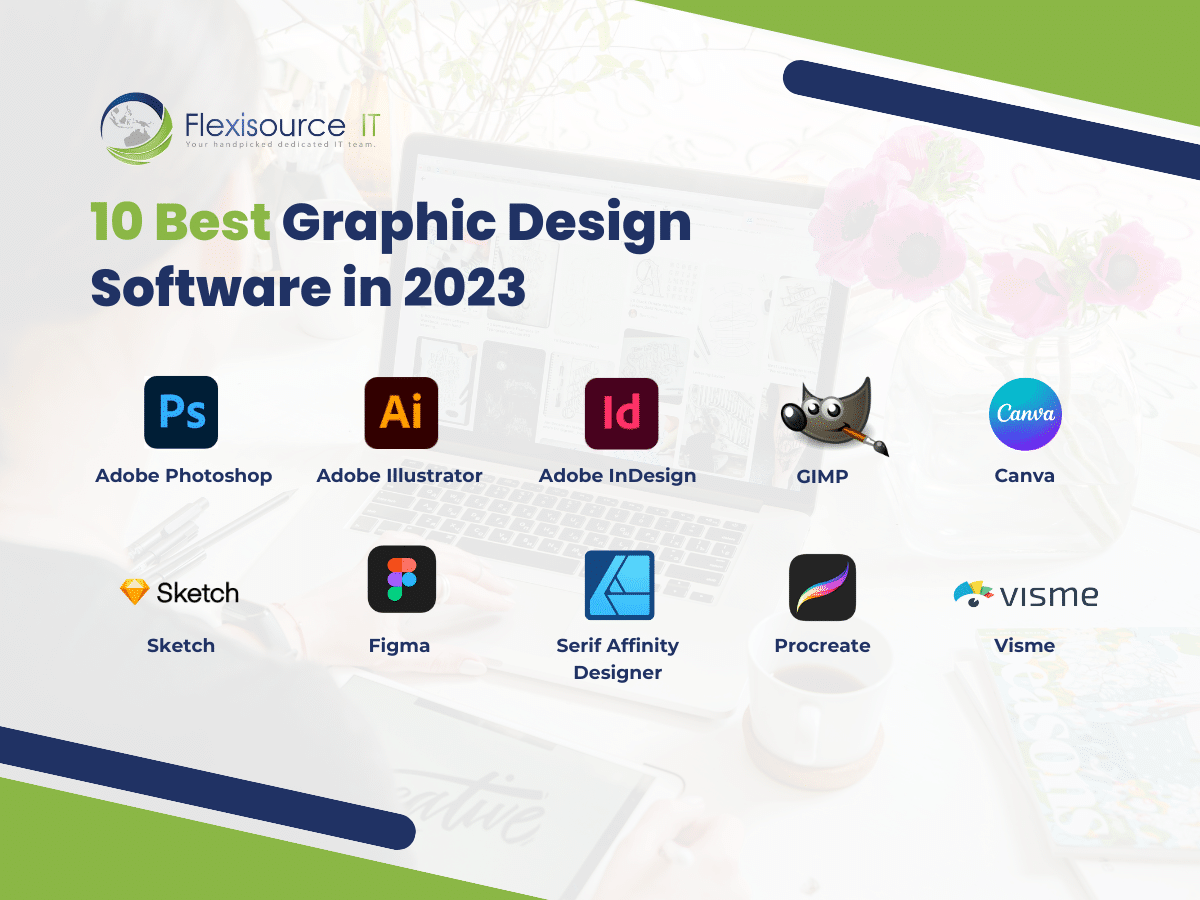
Choosing the best graphic design software is about matching your needs, skills, and budget. For most professionals, Adobe Photoshop and Illustrator still set the standard, but smart, modern alternatives like Affinity Designer, Figma, and Procreate are changing the industry. Free tools like GIMP and Inkscape open doors for beginners and hobbyists, while web-based solutions like Canva make design accessible to everyone.

Don’t be afraid to try a few options before making your final choice. Many programs offer free trials or free versions, so you can test what feels best for your workflow. Remember, the right software can help you create stunning designs, impress clients, and enjoy your creative work even more.

For more details on specific features and user reviews, check the official websites or resources like Wikipedia.

Ready to level up your design skills? Pick your favorite tool from this list and start creating today!

LEAVE A REPLY

Please enter your comment!
Please enter your name here